Getting started with LabelGuard
Upload a label, pick your markets, get a compliance audit in minutes.
Getting started with LabelGuard
LabelGuard reads a product label and checks it for compliance issues across the markets you sell into — therapeutic claims, banned or scheduled ingredients, missing mandatory statements — in minutes, against 22 regulators. This guide walks you through your first scan and, just as importantly, how to read what comes back.
Before you start
You'll need a clear image or PDF of the label you want to check — the front and back, or the full artwork, with the text legible. That's it. A scan costs 1 credit per market you select, and the exact cost is always shown before you run it, so there are no surprises.
Step 1 — Open LabelGuard and upload your label
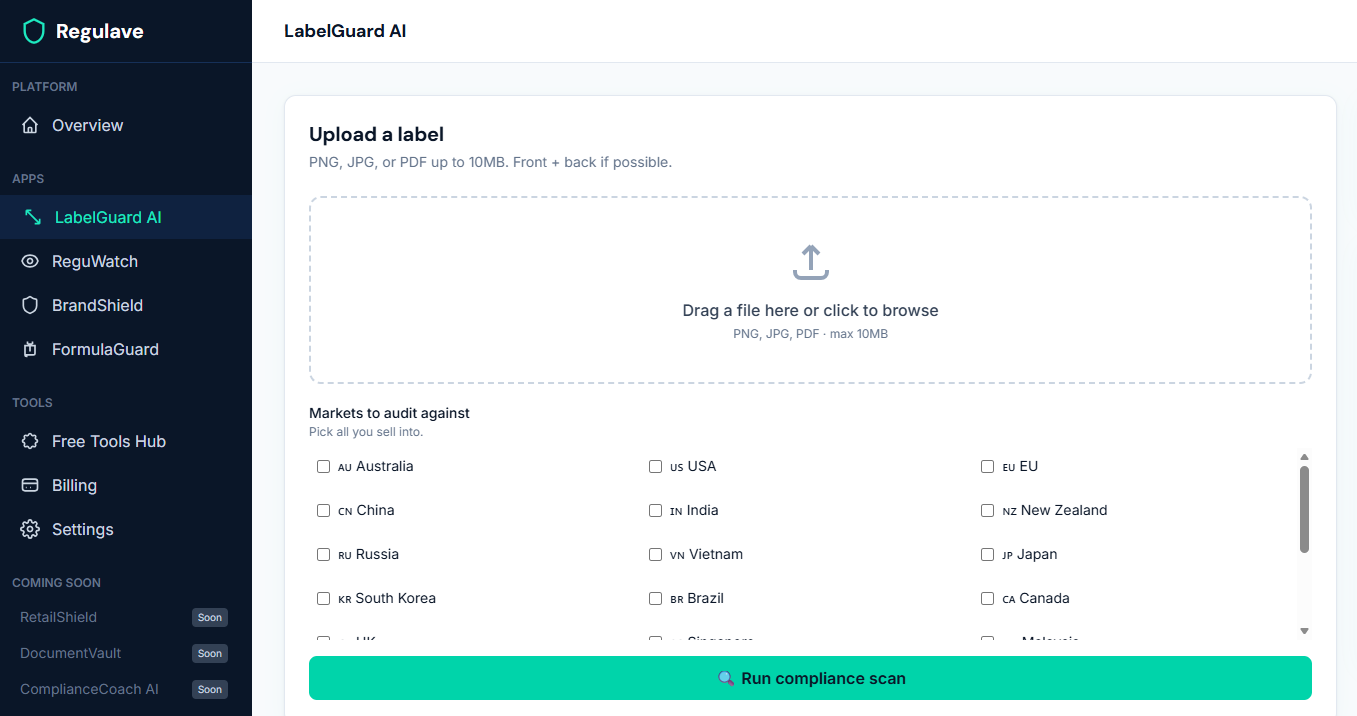
From your dashboard, open LabelGuard in the sidebar, then upload your label image or PDF. Clearer artwork gives a better read, so use the highest-quality file you have.
Step 2 — Choose your markets
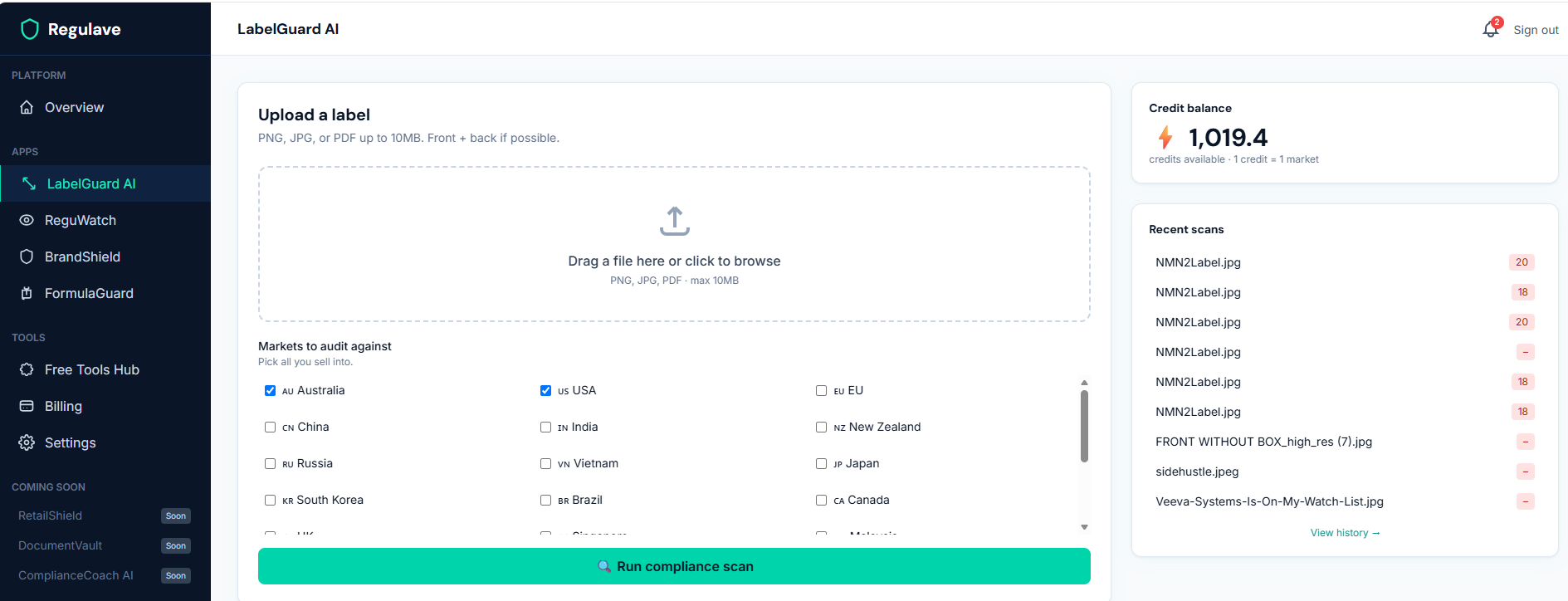
Select every market you intend to sell this product into. LabelGuard checks the label against each one separately, because the same label can be perfectly fine in one market and non-compliant in another. The credit cost updates as you add markets — one credit each.
Step 3 — Run the scan
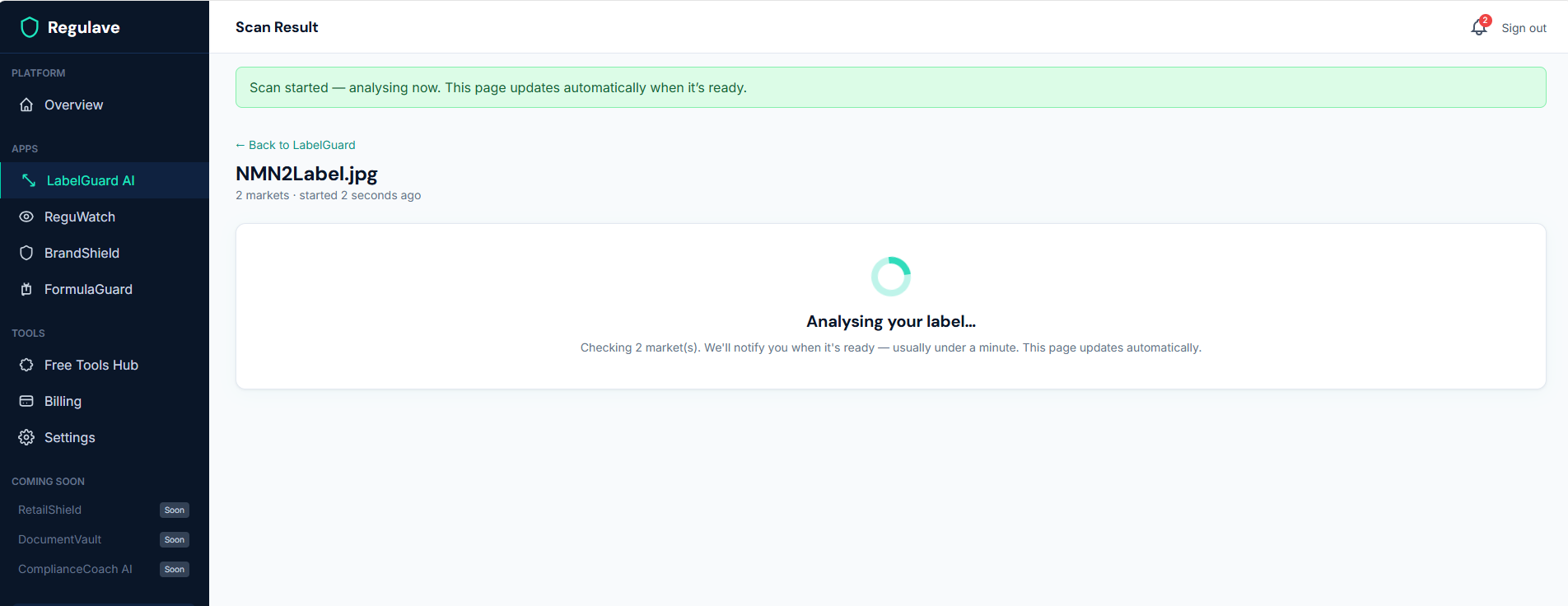
Start the scan. LabelGuard reads the text off your label and analyses it market by market. This usually takes under a minute. You're only charged when the scan completes successfully — if something fails on our side, you're not charged.
Step 4 — Read your overall score
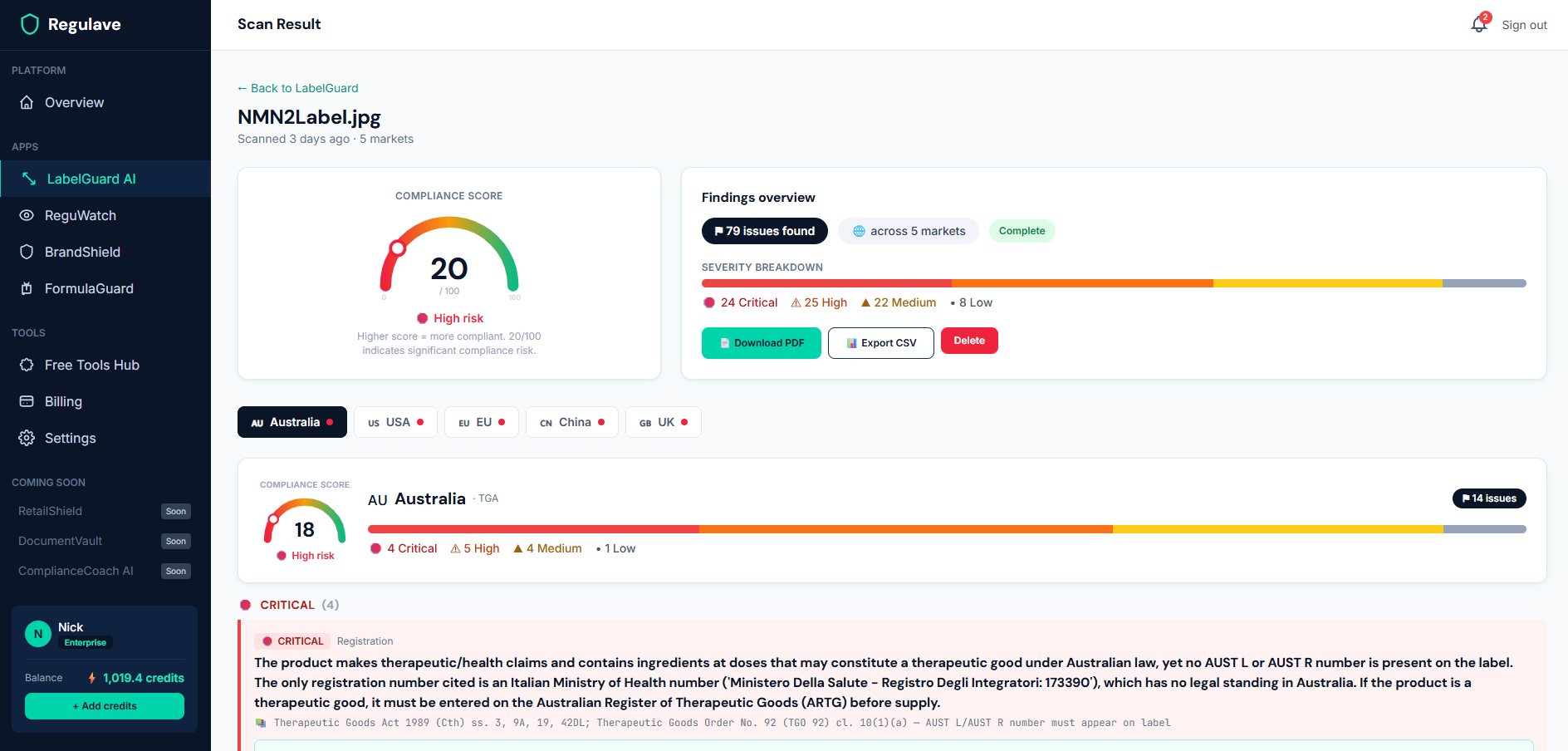
At the top of your result you'll see an overall compliance score out of 100 — higher is better. It's a quick read on how the label looks across all the markets you chose. Below it, each market has its own score, because a label can be strong in one place and weak in another.
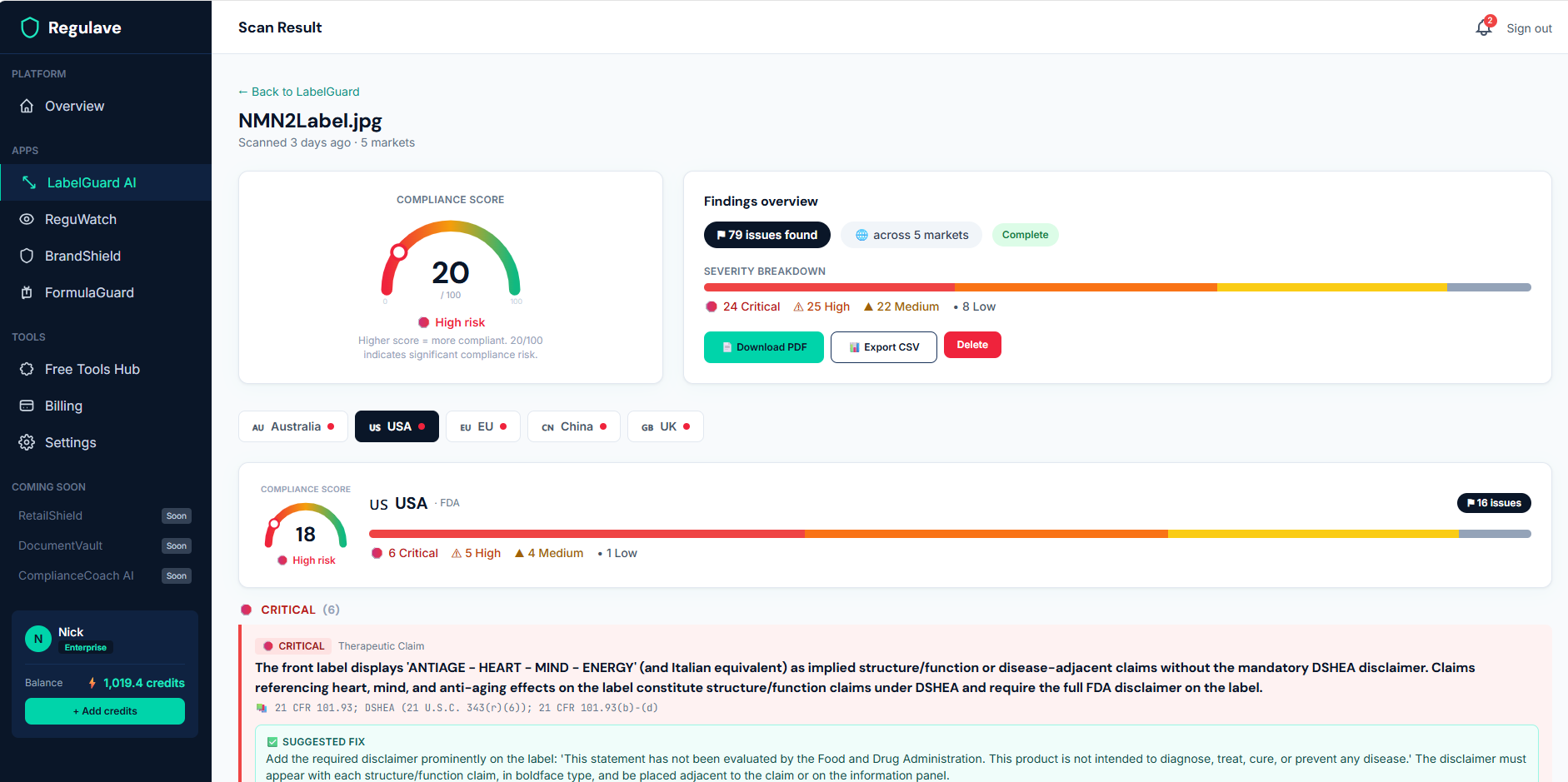
Step 5 — Work through the issues, market by market
Switch between the market tabs to see the issues found for each one. Issues are sorted by severity — critical and high first — and each one tells you what the problem is, the regulation it relates to, and how to fix it.
Every issue cites the specific rule behind it — for example the Therapeutic Goods Act, an FSANZ standard, or an EU regulation — shown right in the issue so you know exactly which requirement is in play and can look it up.
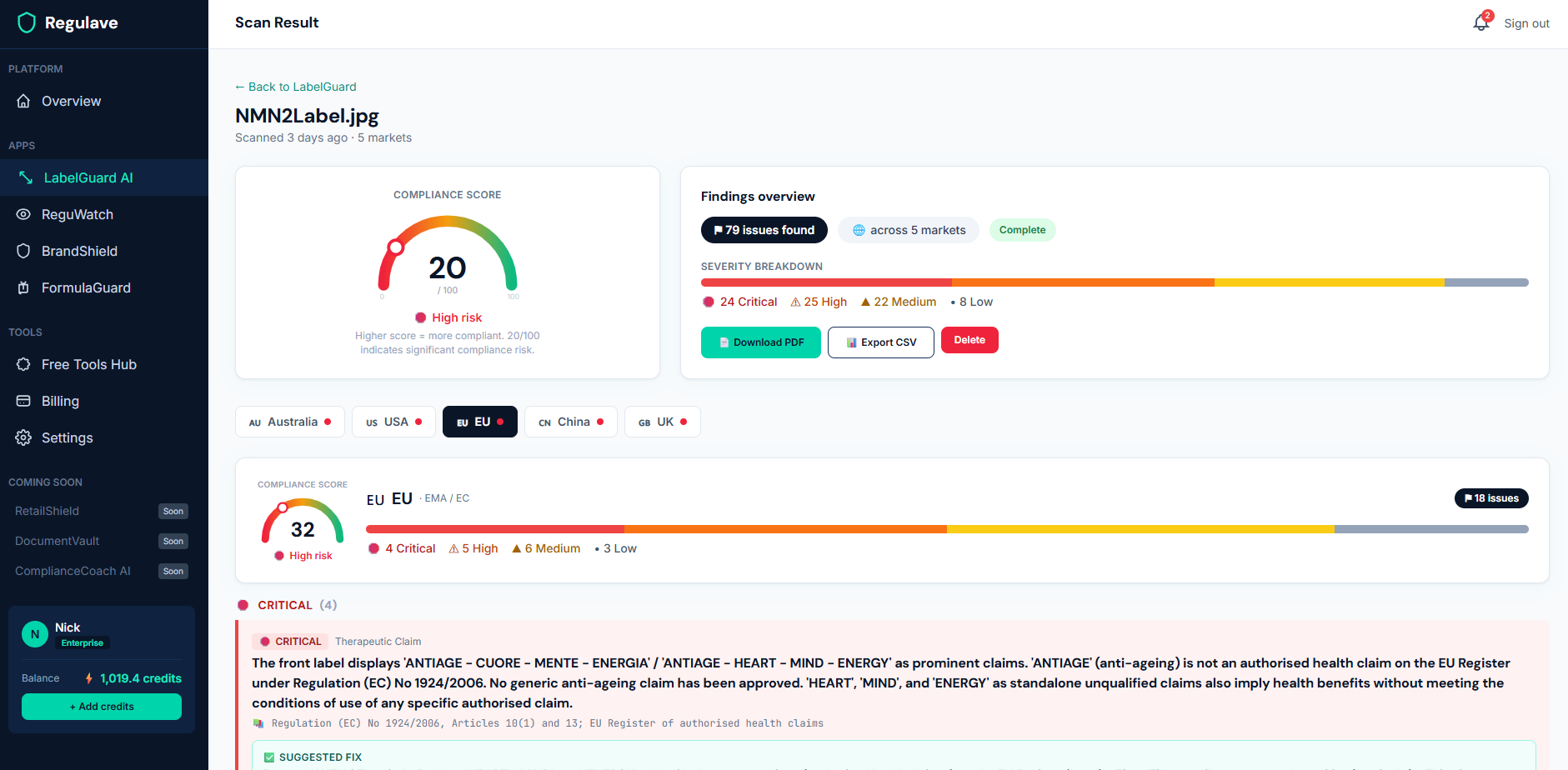
A note on scheduled and restricted ingredients
Ingredients carry real regulatory risk, so LabelGuard treats them carefully. Where an ingredient appears in our verified substance database — for example certain cannabinoids, or research peptides like BPC-157 — it is flagged as a hard issue with a direct, clickable link to the primary regulatory source, and that flag holds regardless of anything else on the label. For ingredients not yet in our database, LabelGuard still flags concerns and cites the relevant law in the issue text, but without a clickable source link. Either way, the approach is deliberately cautious: when the data can't confirm something is permitted, we flag it for you to verify rather than wave it through.
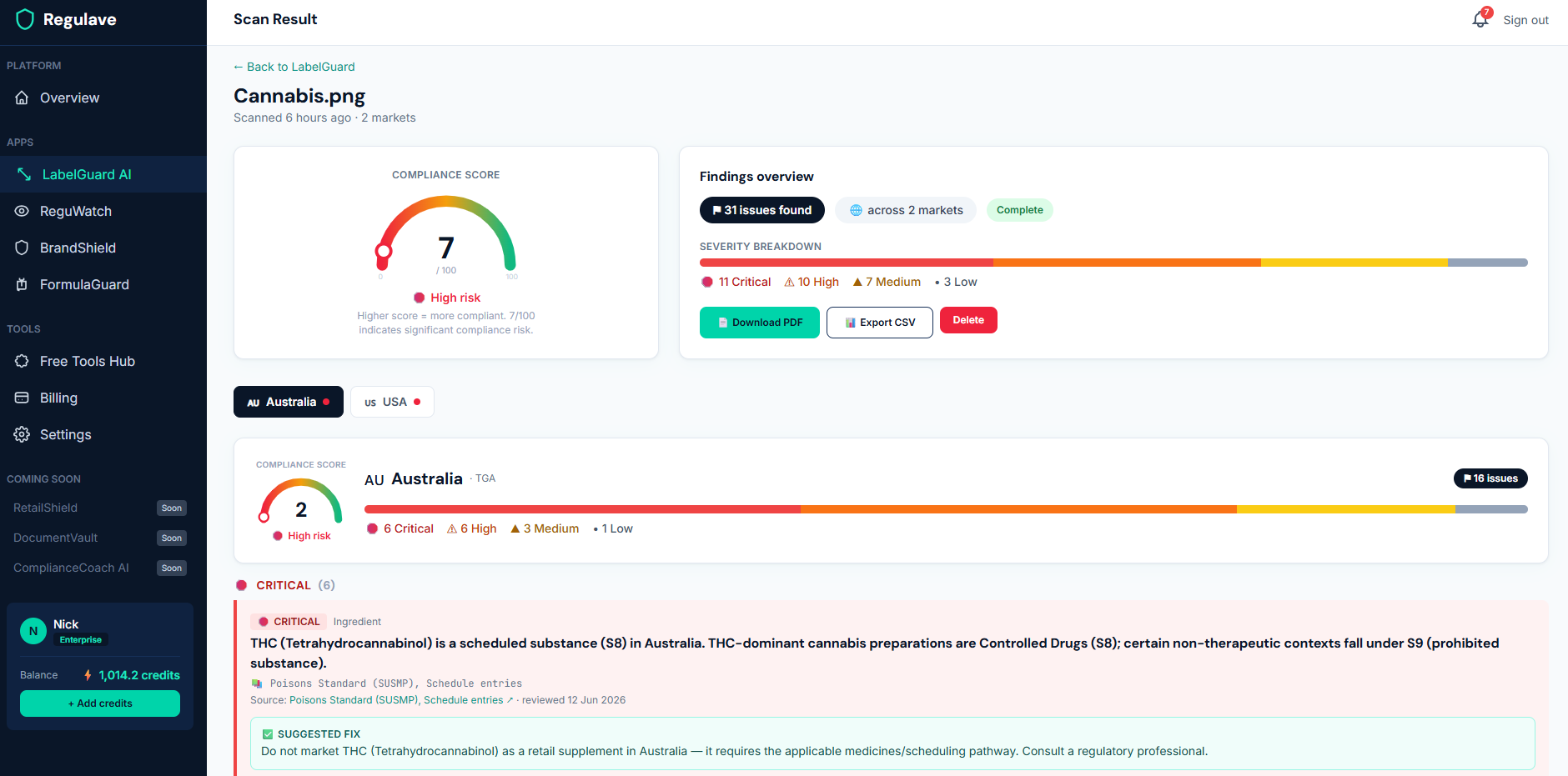
Step 6 — Export your report
When you're ready to share the findings — with a colleague, a manufacturer, or your own records — export the result as a PDF or CSV. The PDF is a clean, linear compliance report with the issues and their sources; the CSV is one row per issue for your own tracking.
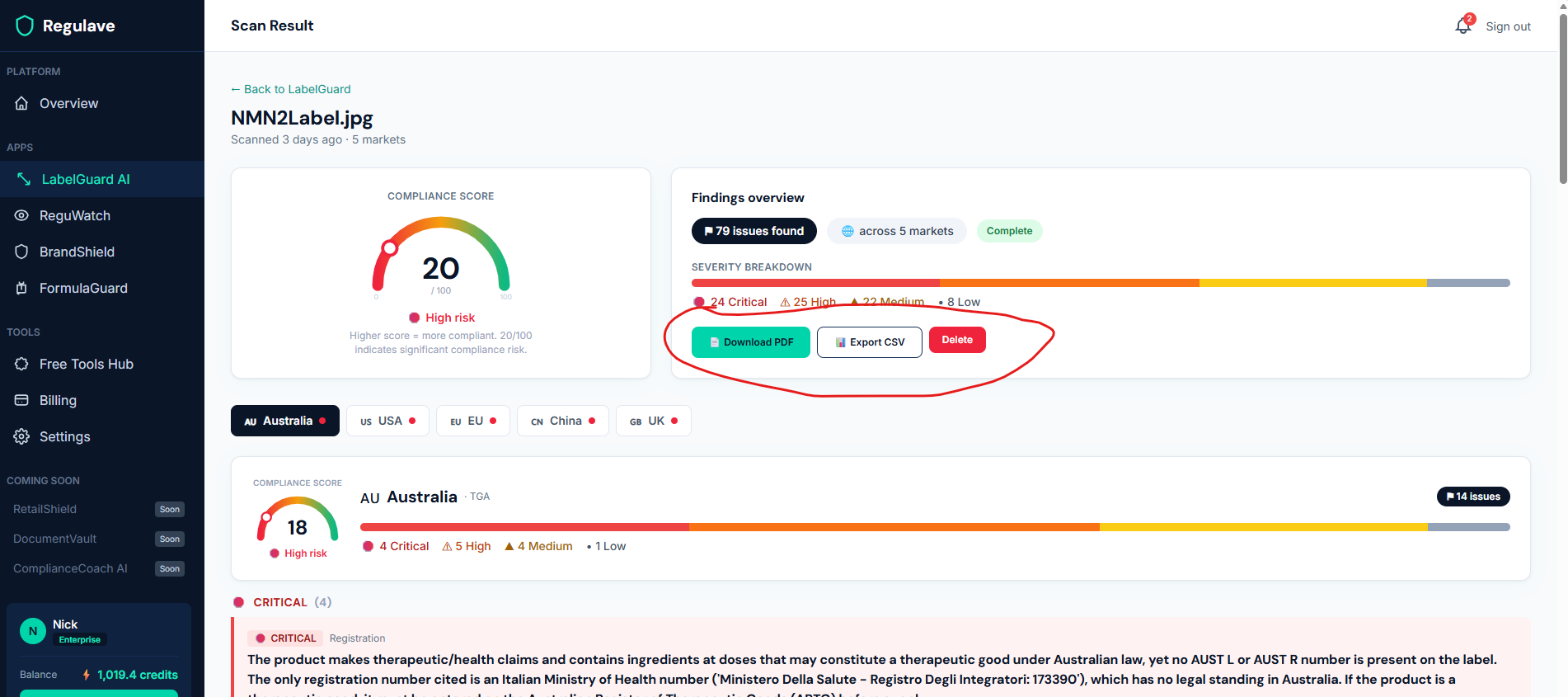
What it costs
- 1 credit per market per scan. A three-market scan is 3 credits.
- You're only charged when a scan completes successfully.
A few tips
- Scan every market you actually sell into, not just your home market — the differences between markets are exactly what catches brands out.
- Use the clearest artwork you have. A blurry photo means a weaker text read.
- Treat the result as a guide, not a verdict. LabelGuard is built to catch problems before launch and point you to the rules — but it isn't legal advice, and for anything high-stakes you should confirm with a regulatory professional. Where an issue cites a regulation, look it up; where it links a primary source, follow the link and check it.
Need an ingredient we don't cover yet?
If you search an ingredient in ReguWatch and we don't have it, you can request it — we'll research it, verify it against the primary source, and add it, then let you know when it's live. Our database grows toward what our customers actually need.